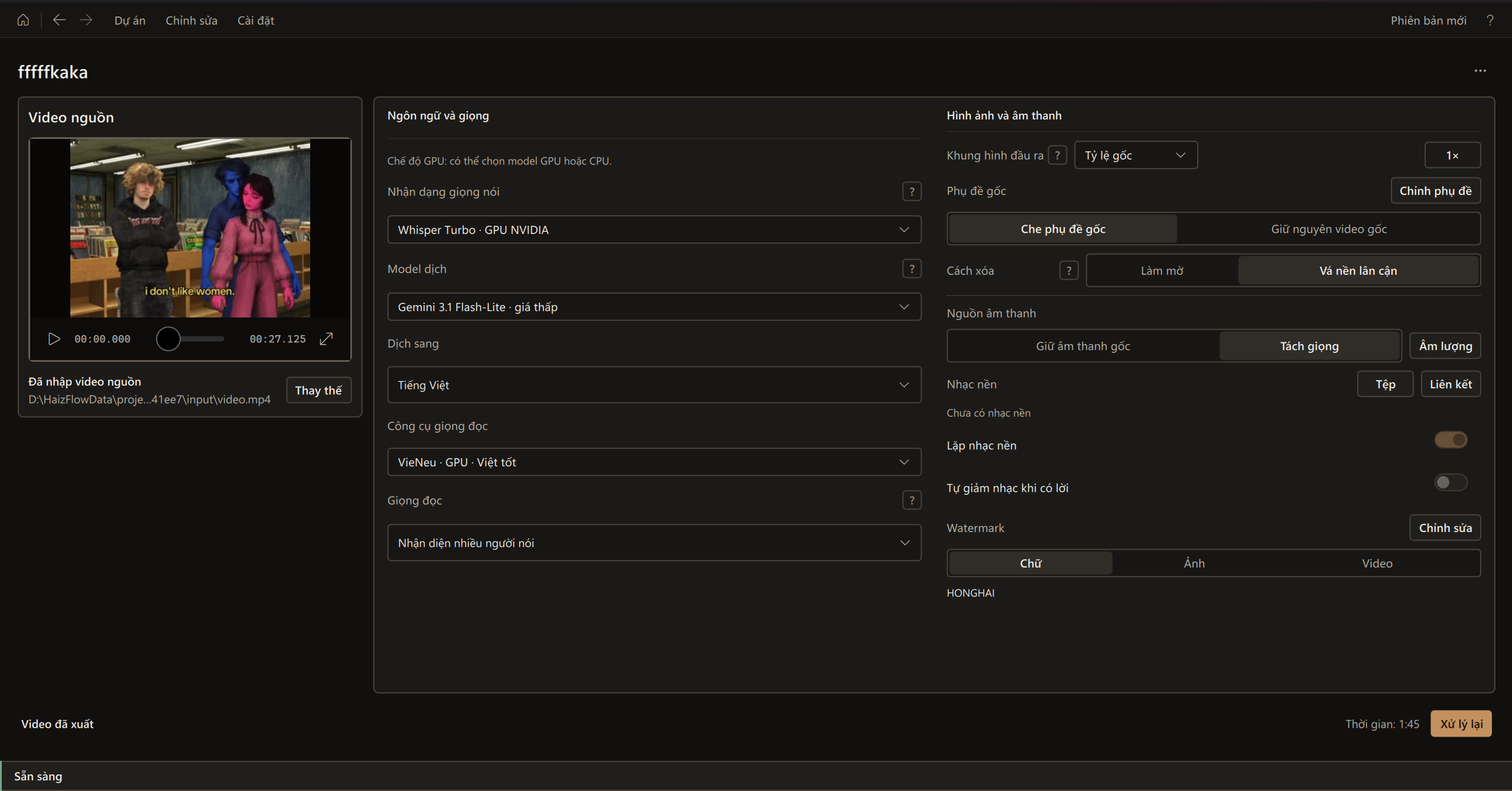
Automatic processing
Process one or multiple videos at once.
View guide →HaizFlow - By Mạch Hồng Hải
Key features
Cover original subtitles and create new ones.
Choose from multiple dubbing voices and clone voices.
Add text, image, or video watermarks. Add background music from a link.
Download videos from TikTok, Douyin, and other platforms.
Publish videos to social media.
Process one or multiple videos at once.
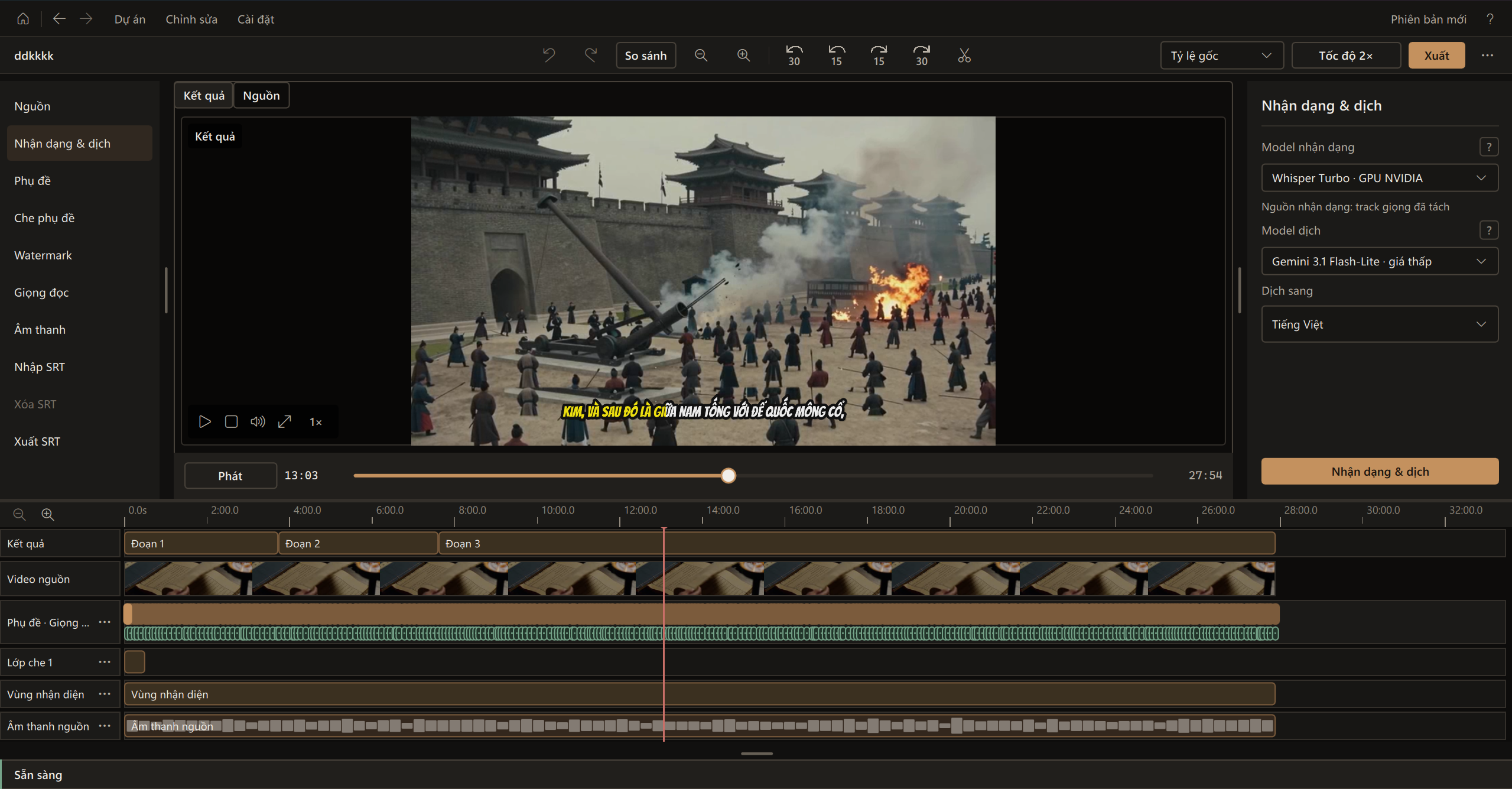
View guide →A basic video editor with built-in tools.
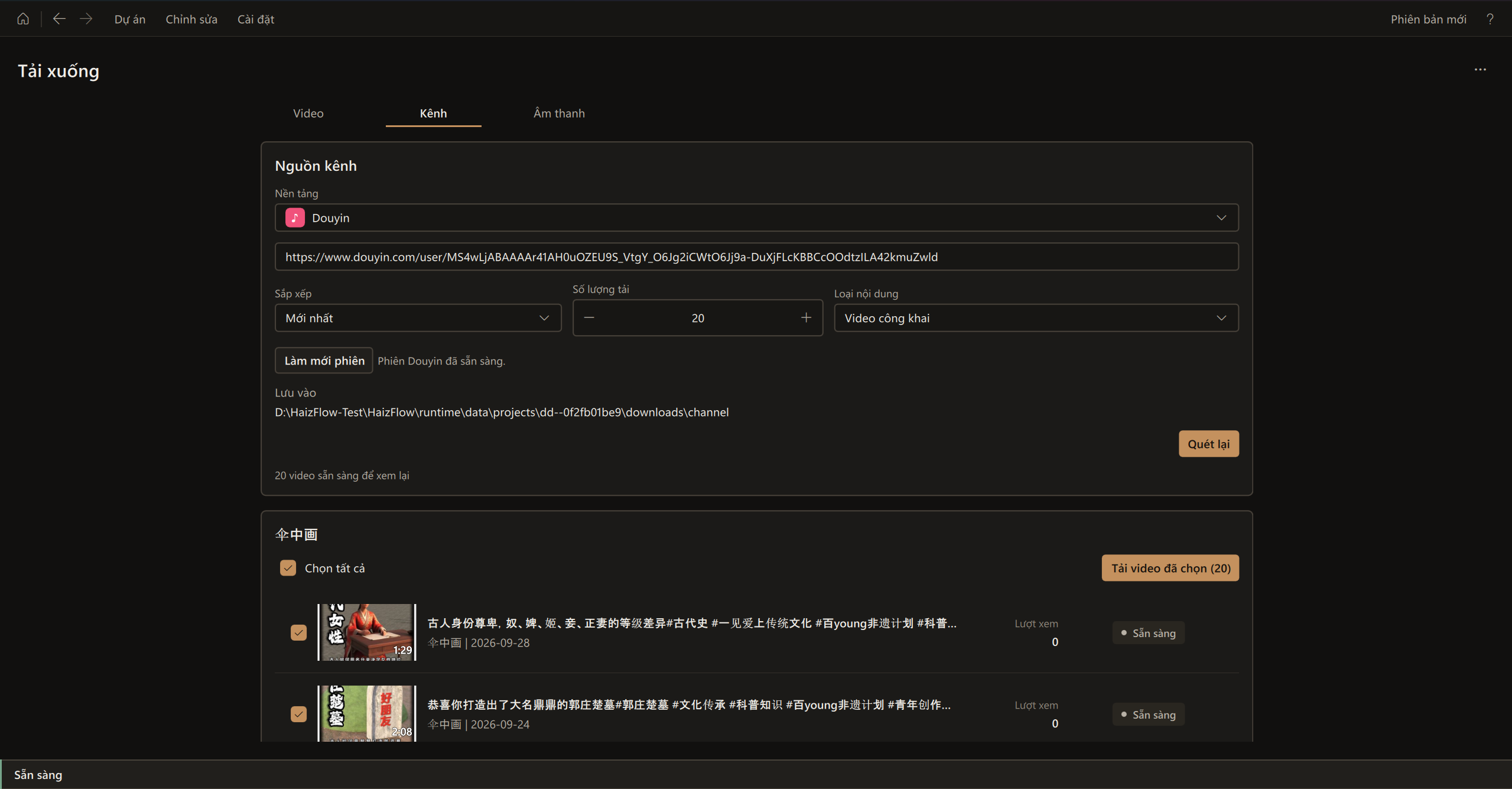
Download videos, entire channels, or audio.
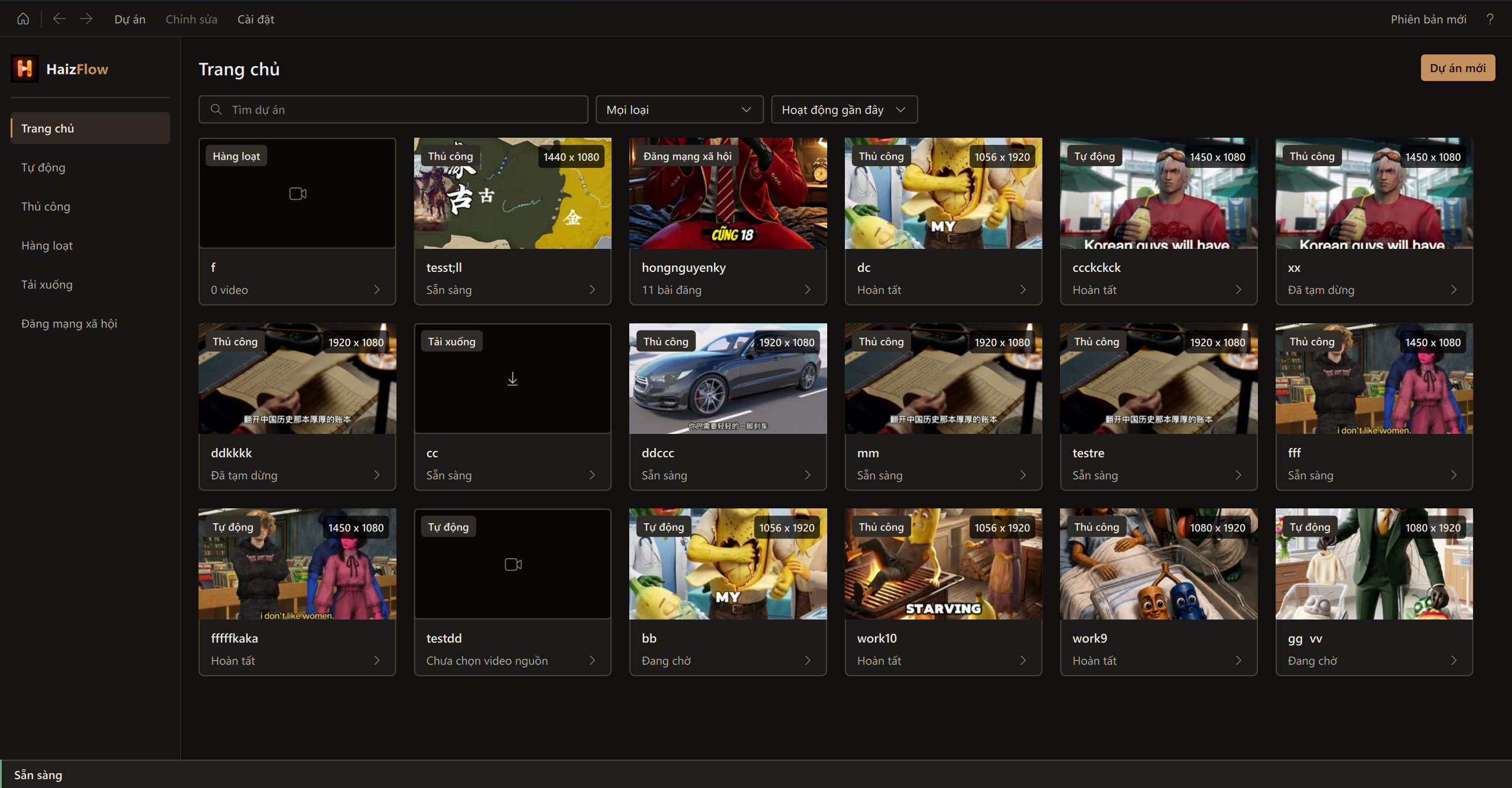
An easy-to-use interface for video reuploads.
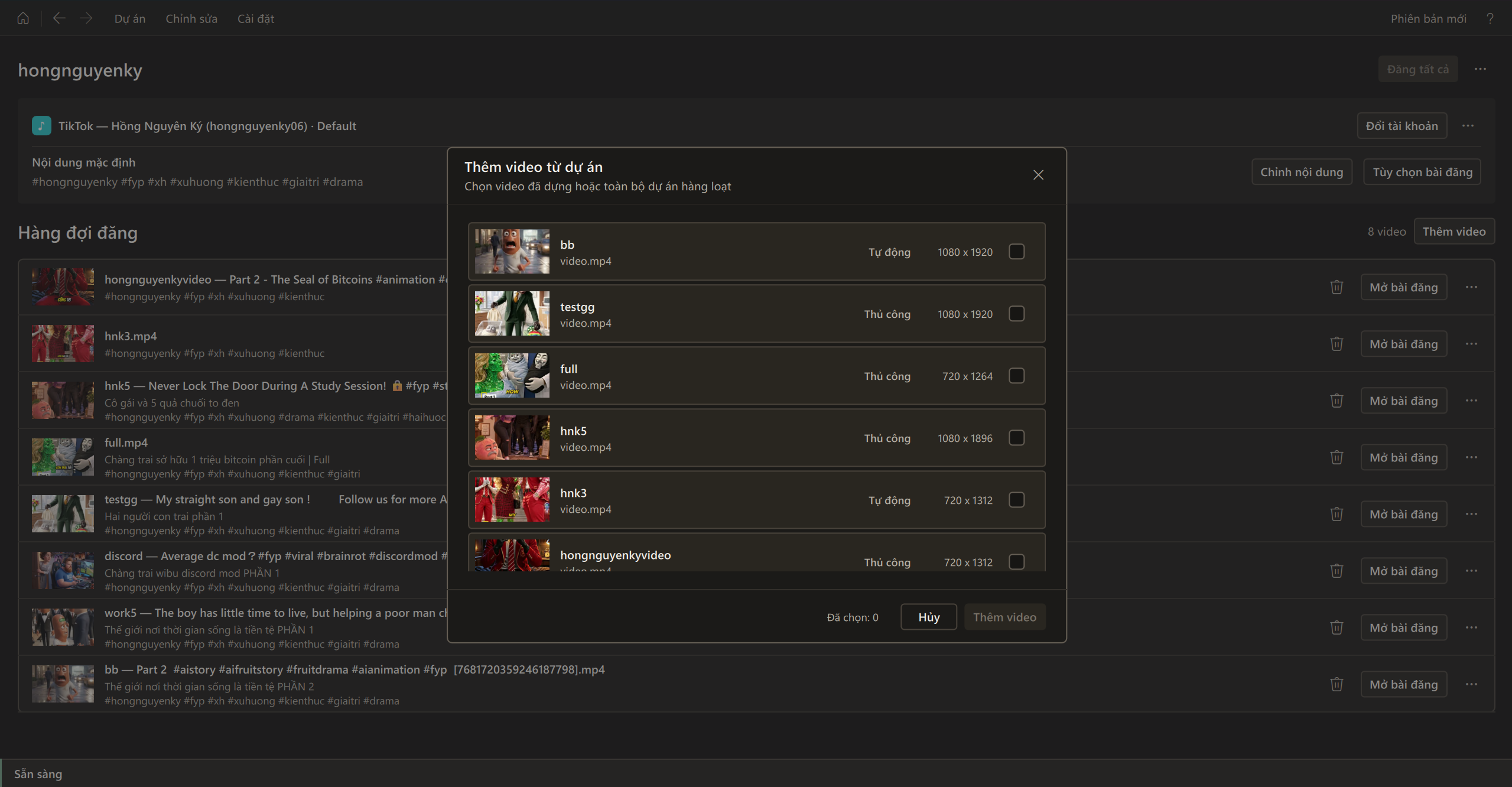
Publish videos to connected social media platforms.
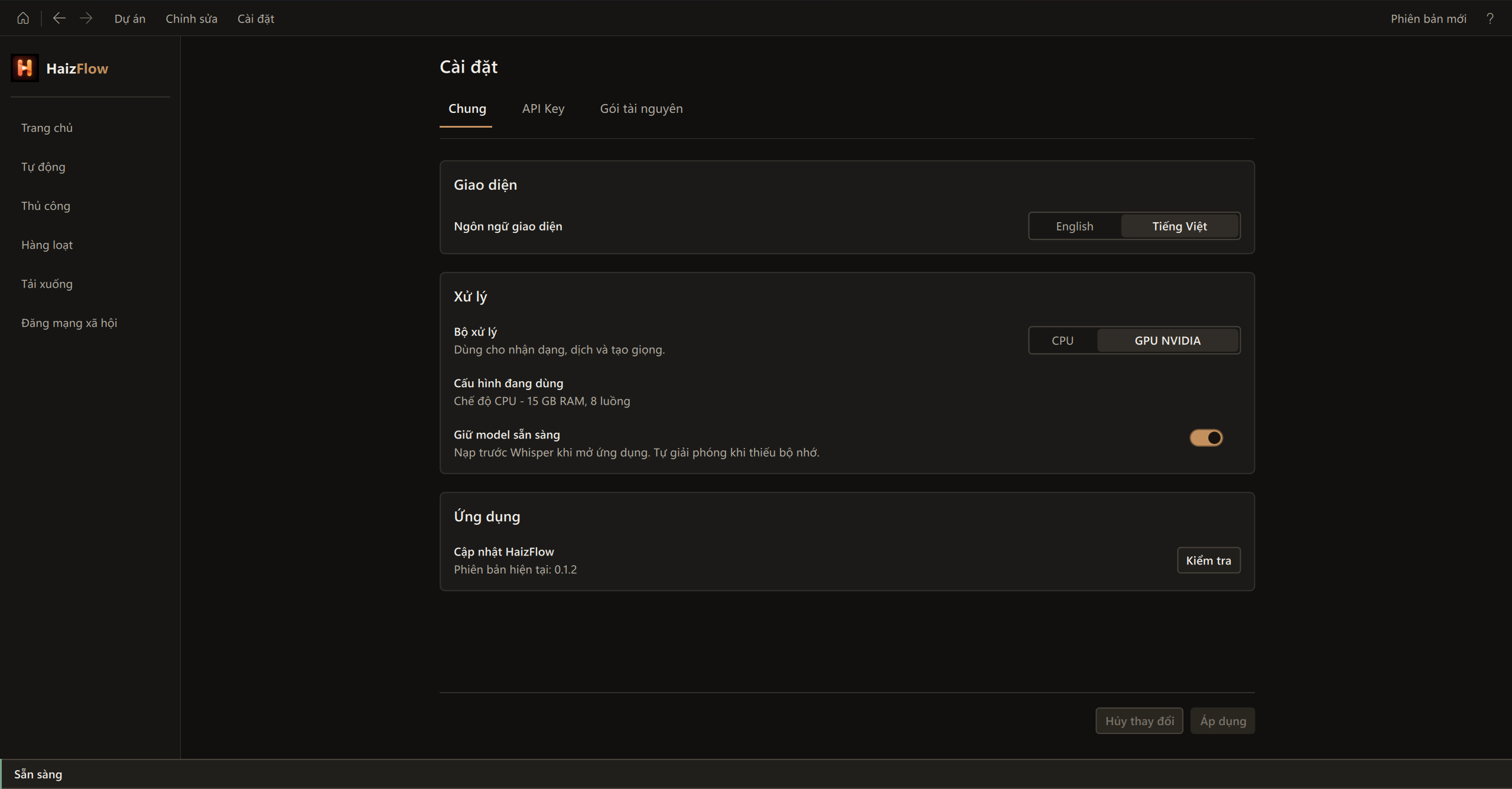
CPU or NVIDIA GPU, with a Vietnamese or English interface.
Download videos and audio in bulk from social media platforms.
Translate, create subtitles and generate voice.
Cover original subtitles, add a watermark and music from a file or link.
Post to TikTok, YouTube, Facebook and more in a few steps.
The video guide will be added here.
System requirements
Windows 10 version 1809 or later, or Windows 11, 64-bit. CPU processing is available; NVIDIA GPUs need at least 4 GB VRAM.

About the developer
Thank you for using HaizFlow. If you like the app, please give it a star on GitHub. You can contact me here:
Donate
If you like HaizFlow and would like to donate to the developer, here is my QR code. Have a lovely day!

Download